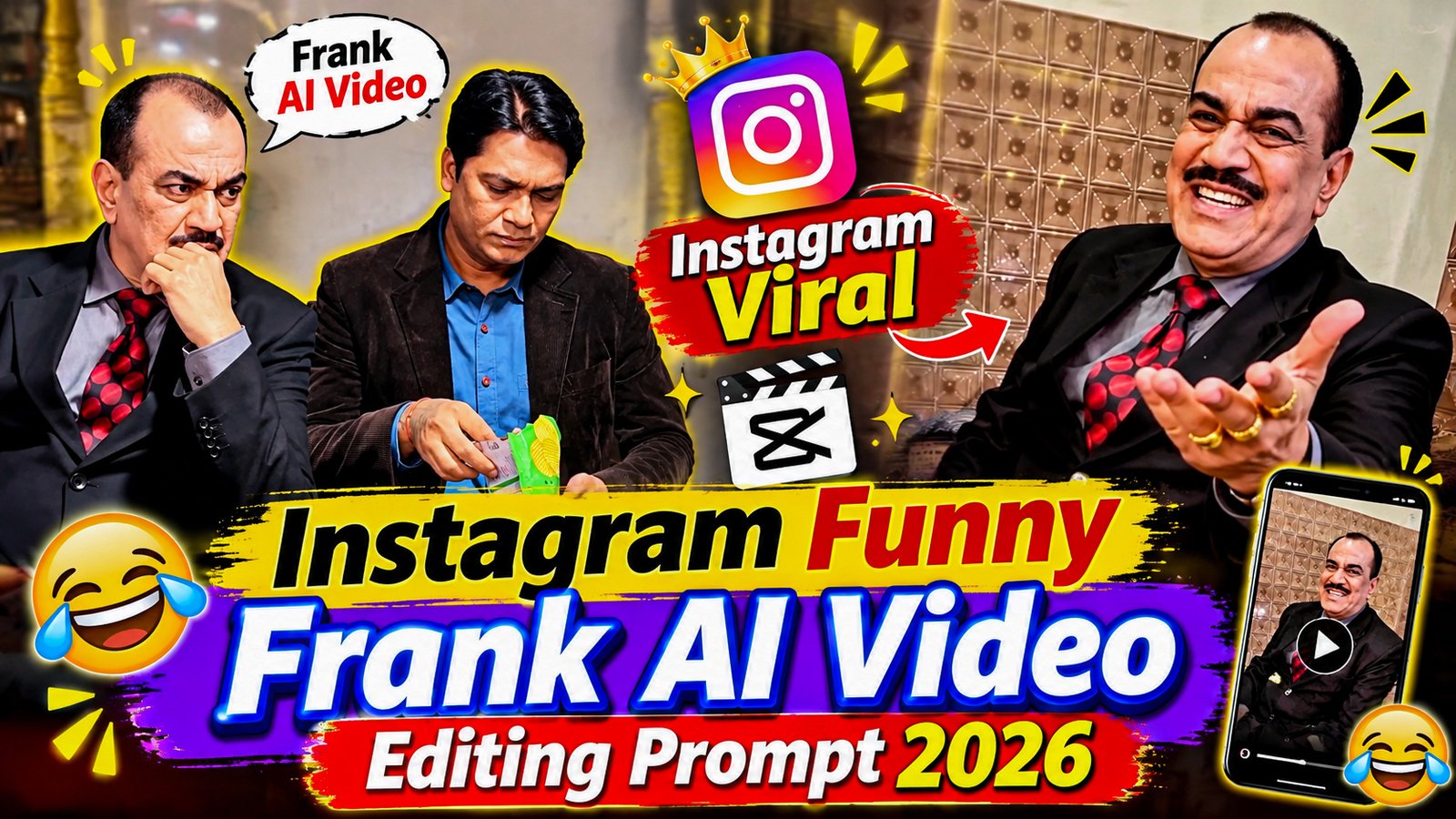
The Funny CID AI video featuring popular CID characters ACP Pradyuman and Senior Inspector Abhijeet is becoming a popular comedy concept on Instagram Reels. In this entertaining AI-generated video, Abhijeet is happily eating Lay’s chips while sitting beside ACP Pradyuman. However, he does not offer even a single chip to ACP Pradyuman. This small and funny situation turns into an unexpected comedy moment that makes viewers laugh.This trending AI video style is inspiring many Instagram creators to experiment with their own funny character-based videos. The combination of familiar CID characters, realistic AI animation, funny expressions, and unexpected comedy twists makes this concept interesting for short-form content.
What Is Viral Comedy Frank AI Video Editing?
‘Viral comedy AI video editing’ is a creative approach to video production that uses AI tools to transform a static photo or character into an entertaining animated video. The primary goal is to craft amusing scenes featuring humorous expressions, quirky movements, funny reactions, and storytelling infused with comedy. Instead of filming every scene with a camera, you can utilize ‘AI image-to-video generators’ to animate your characters. To enhance the humor, you can incorporate elements like funny sound effects, background music, voiceovers, zoom effects, and captions. For instance, you could create a comical character that suddenly bursts into dance, reacts dramatically to an unexpected situation, pulls a hilarious face, or performs an exaggerated, comedic action.
Viral Comedy Frank AI Video Editing Prompt 2026
The most crucial part of creating a fantastic AI comedy video is writing a clear and detailed prompt. Your prompt should include information about the character’s appearance, their actions, facial expressions, the setting, camera angles, and the overall comedic atmosphere. You can use the prompt provided below to get started with a suitable AI image-to-video or text-to-video generator.

Recreate the uploaded reference video using the same scene, storyline, and sequence of actions. Replace the two original characters with the newly uploaded character reference images, identified as @1image and @2image.

Character Replacement:

Replace the character sitting on the left with @1image.

Replace the character sitting on the right, holding the chips packet, with @2image.

Preserve the identity, facial features, hairstyle, skin tone, clothing, and overall appearance of both reference characters throughout the video.

Follow This Storyline:

The second character sits comfortably on the bench, happily eating chips from a green packet and laughing. Meanwhile, the first character rests his chin on his hand and secretly wishes to have some chips.

The second character offers the chips to the first character. However, the first character politely refuses with a slight head movement, pretending he is not interested.

After a short pause, the first character notices that the second character is not watching and slowly moves his hand towards the open chips packet to secretly grab a chip.

Just before his fingers reach inside the packet, the second character turns around and catches him. The first character immediately withdraws his hand without taking anything.

To hide his intentions, the first character starts making funny finger gestures with his completely empty hand, pretending that he was explaining something important. The second character gives him a suspicious and annoyed look.

At the end, the first character moves closer, puts his arm around the second character's shoulder, and continues acting innocent.

Important Character and Action Instructions:

The first character must never take, touch, hold, or eat any chips.

His hand must remain completely empty throughout the entire video.

Only the second character is allowed to eat chips.

Both characters must maintain their assigned identities without face swapping or mixing.

Keep facial expressions and body movements natural and consistent.

Preserve the original sequence and timing of the comedy scene.

Reference Video Matching Instructions:

Use the uploaded video as the primary visual guide. Maintain its original outdoor environment, bench placement, background, character positions, camera framing, angles, movements, lighting, shadows, and overall visual atmosphere.

Follow the same sequence of interactions, gestures, expressions, and physical movements as closely as possible. Keep the original audio and dialogue where supported by the generation workflow.

Do not introduce additional characters, unrelated actions, new scenes, or unnecessary visual effects. Avoid copying any existing watermark, logo, or unwanted on-screen text.

Final Output:

Generate a realistic, smooth, and entertaining comedy video in which @1image and @2image replace the original characters. Keep their identities consistent from beginning to end and reproduce the reference video's funny storytelling as closely as possible
How to Create Viral Comedy Frank AI Videos.
- First, select a clear photo of the character you want to animate.
- Choose an AI video-generation tool that supports ‘image-to-video’ or ‘text-to-video’ creation.
- Select the available video settings and generate your clip. Review the result to ensure that the character’s movements and facial expressions appear natural.
- Copy the prompt provided above and paste it into the prompt section. You can modify the actions, facial expressions, and background to suit your specific video concept.
- Import the generated video into CapCut or any other mobile video editing app.
- Once editing is complete, export the video in high quality and upload it to your preferred social media platform.
Conclusion
Sometimes AI-generated videos do not look as expected. You may notice unnatural hand movements, distorted faces, inconsistent characters, or strange body animations.
To improve your results, avoid these common mistakes:
- use blurry or low-quality reference photos.
- Don’t add too many different actions in one prompt.
- Avoid changing the character’s appearance between scenes.
- Don’t use excessive sound effects or background music.
- Always preview your generated video before exporting.
- Avoid adding too much text to the screen.
How to Make Your Comedy AI Video More Engaging
An effective way to improve your videos is to weave a short story rather than just showing a series of random, funny actions. For instance, start by showing Frank in a completely ordinary situation. Then, introduce an unexpected turn of events. Frank could react with surprise, perform a humorous action, and ultimately have a hilarious reaction. This simple storytelling approach—incorporating a beginning, a middle, and an end—gives the audience a reason to watch the entire video. You can develop your own unique style of comedy by experimenting with different scenarios, dialogue, character reactions, and settings.
Tips to Make Your AI Comedy Video Viral
Creating an AI video is just the first step. Good editing makes your content even more entertaining and helps keep the audience engaged. – Start with a strong hook: Showcase the funniest moment within the first two to three seconds. – Use engaging sound effects: Incorporate elements like laughter, cartoonish sounds, expressions of surprise, or other audio cues that enhance the comedy. – Keep the video concise: Instead of including unnecessary footage, focus on a single, humorous scenario. – Add captions: Use brief, easy-to-read captions to make the jokes easier to follow. – Use smooth transitions: Avoid overusing transitions, as they can distract the viewer. – Maintain character consistency: Ensure that the character’s face, clothing, and overall appearance remain the same throughout every scene. – Choose the right music: Select background music that complements the mood of your comedy video.
Final world
‘Viral Comedy Prank AI Video Editing Prompts 2026’ offer a fun way to create AI-generated videos and produce entertaining content for social media. With a creative prompt, the right reference photo, amusing expressions, smooth animation, and effective sound effects, you can transform a simple idea into an engaging comedy video. The best approach is to experiment with various comedic scenarios, develop your own unique style of humorous storytelling, and focus on making your audience laugh. Remember, a great comedy video doesn’t always require complex editing; sometimes, an unexpected reaction and perfect comedic timing are all it takes to bring a smile to people’s faces.